
AI-Powered YouTube Video Generator
This Python program automates the creation of engaging, trending 30-second YouTube videos, such as mini vlogs, food challenges, DIY projects, dances, pet tricks, or transformation videos. Using AI tools, it generates video scenes, adds audio narration, background music, and subtitles, and combines them into a polished final video ready for upload to YouTube.
What the Program Does
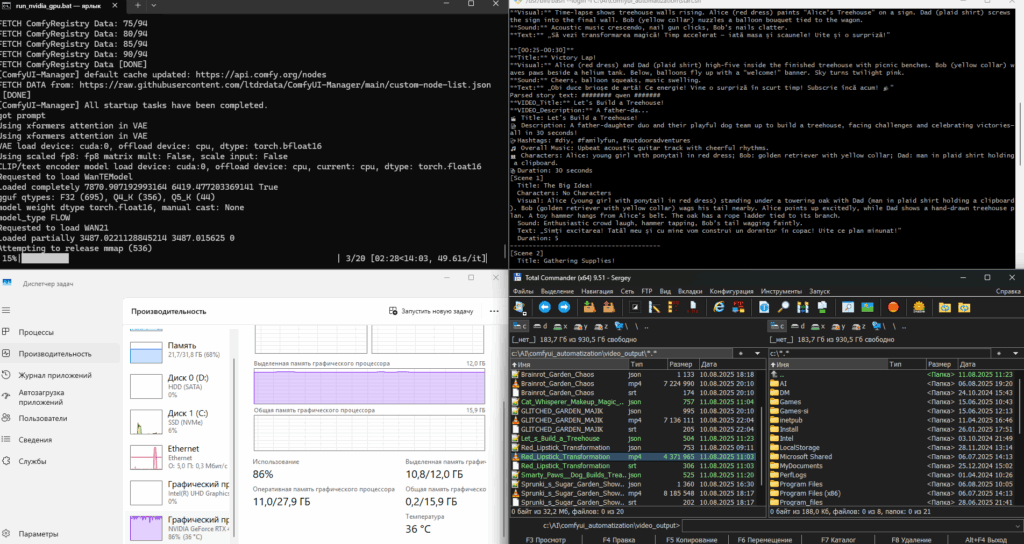
The program leverages AI to create a structured 30-second video script based on trending topics, generates individual video clips for each scene, adds audio effects and narration using Zonos, incorporates subtitles, and merges everything into a final video. It also supports uploading the video to YouTube with a description, hashtags, and privacy settings. The workflow ensures high-quality output with minimal manual intervention.
Key Features
- Generates a trending video script with scenes (e.g., mini vlogs, DIY projects).
- Creates video clips using AI video generation APIs.
- Adds narration with Zonos text-to-speech.
- Incorporates background music and sound effects.
- Generates and burns subtitles into videos.
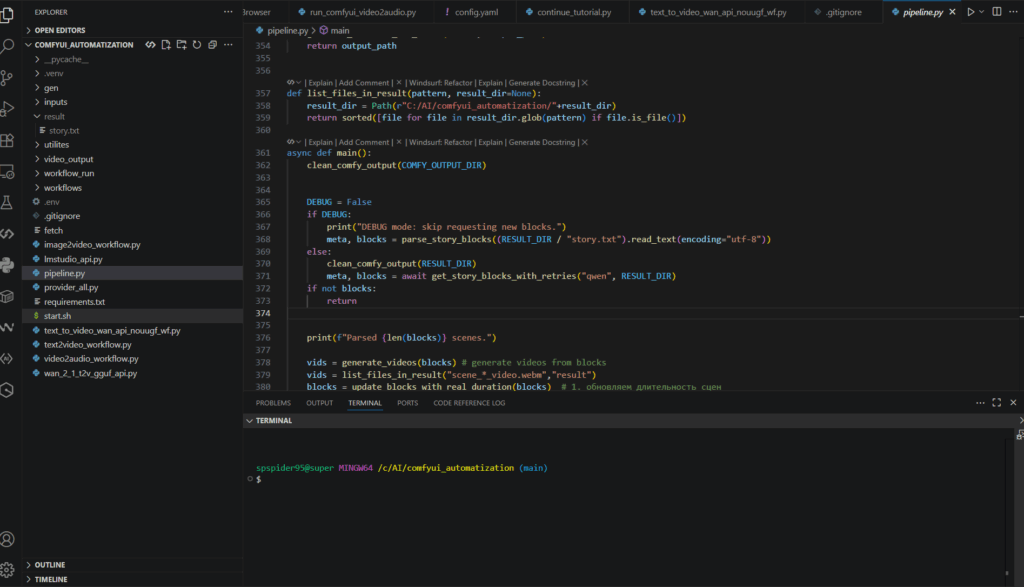
- Combines scenes into a final video with FFmpeg.
- Uploads to YouTube with metadata (title, description, hashtags).
How to Run the Program
Follow these steps to run the program on a Windows system:
- Ensure Python 3.8+ is installed.
- Install dependencies listed in the table below.
- Configure paths for ComfyUI output and result directories in the script.
- Run the script using:
python script.py. - Monitor the console for progress and ensure FFmpeg is accessible.
- Check the
video_outputfolder for the final video and subtitles.
Dependencies
| Dependency | Version | Purpose |
|---|---|---|
| Python | 3.8+ | Core programming language |
| moviepy | Latest | Video editing and concatenation |
| Zonos | Latest | Text-to-speech for narration |
| FFmpeg | Latest | Video/audio processing and subtitle burning |
| ComfyUI | Latest | AI video generation pipeline |
| argparse | Standard | Command-line argument parsing |
| asyncio | Standard | Asynchronous operations for API calls |
Github link to the project: https://github.com/spspider/comfyui_automatization
Sample Output
Below is an example of a generated video. The program creates a 30-second video with multiple scenes, subtitles, and background music, saved in the video_output folder.
Note: Ensure FFmpeg is installed and added to your system PATH for audio and subtitle processing. API keys for Zonos and video generation services may be required.